3D configurators for your products
Buyers choose size, colours and extras, see the price and send a request. You get an exact specification.
How a configurator works
Try it yourself
Real products in 3D
Pick a product and change the size, colours and extras, just like your buyer would.
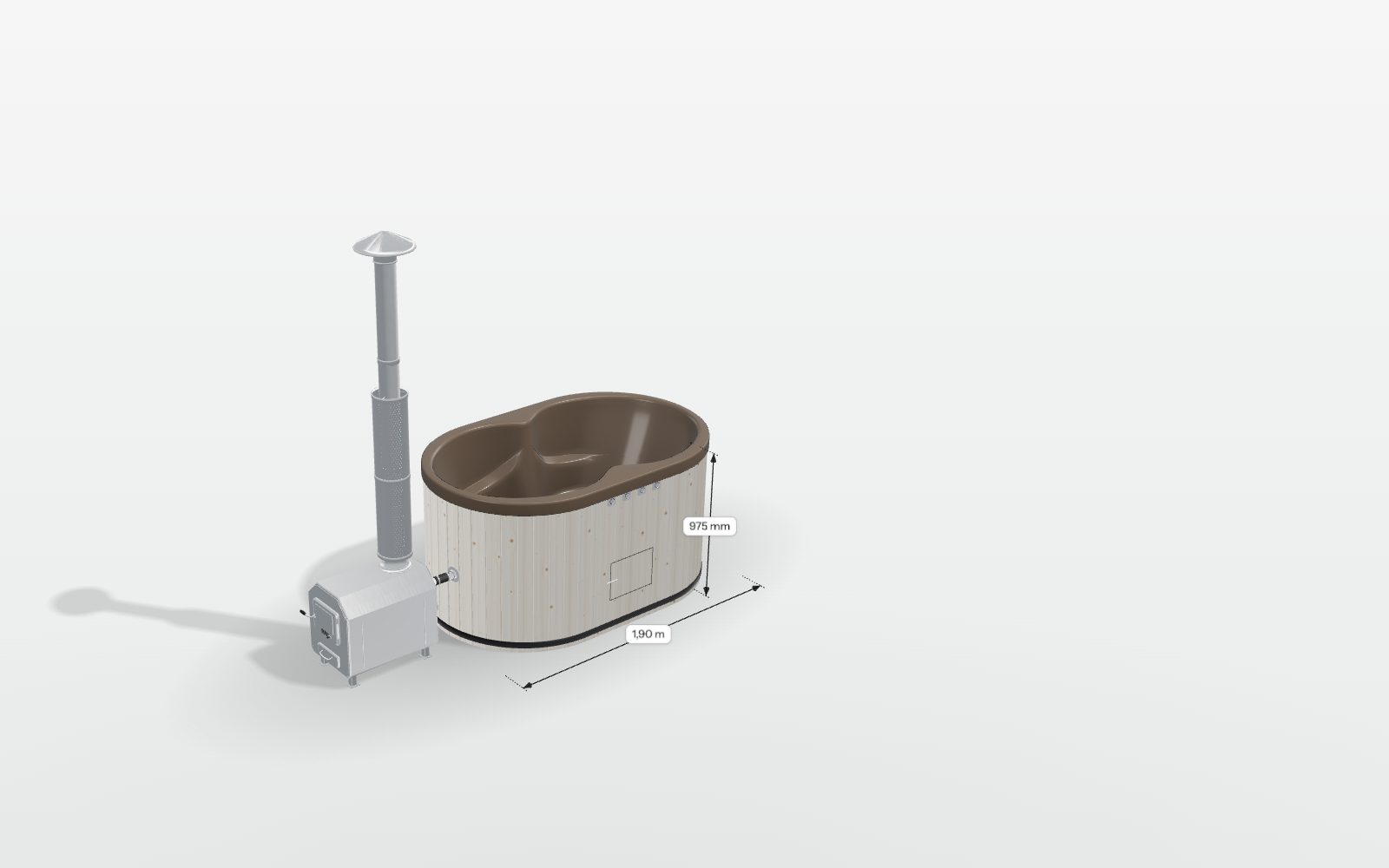
Customise the product
Change the size, finish and extras and see every change instantly.
Why buyers want 3D
- Every optionBuyers see the exact version they order.
- Real sizeAR puts it in their own yard or room.
- Fewer questionsSize, colour and price answer themselves.
- Model onceSite, AR, images and video from one file.
Services
From one product in 3D to a full configurator.
What 3D changed for other companies
Publicly reported results
+30–40%
more enquiries per month
Before100With 3D130–140 F.Domes
After launching a 3D configurator, a dome maker's monthly enquiries rose 30–40%.
3.65%
conversion rate, up from 0.82%
Before0.82%With 3D3.65% POM
After adding a 3D colour configurator, the online store's conversion rose from 0.82% to 3.65%.
−22%
fewer returns
Before100With 3D78 Build.com
Shoppers who used AR returned products 22% less often than those who bought the same item without it.
These are not Trimata clients but other companies’ published results.
What people say about 3D configurators
Published comments from companies about 3D configurators and 3D visuals made by various vendors.
What 3D gives you
Why manufacturers choose a 3D configurator.
- Buyers build the product themselves and see exactly how it will look
- Fewer questions and emails before an order
- Better enquiries: you receive the full chosen specification
- More trust: buyers can view the product from every side and in AR in their own yard
- Fewer misunderstandings about sizes, colours and extras
- One 3D model for your website, catalogue, dealers and ads
- Works on any website and phone, nothing to install
From link to launch in 4 steps
+36%
more conversions for EQ3 after adding a 360° viewer. Source: Cylindo ↗
Questions

See it with your own product
Send us your product files: drawings, PDFs, CAD or STEP. We'll build a prototype configurator of your product and walk you through it on a call.
Bring drawings, get a prototype


- 1You send a link to your files
- 2We build the prototype configurator
- 3You try it on the call